
Never written code?
Neither had I.
You don't need a computer science degree to build useful things anymore. You need an idea, some patience, and a good AI partner. Mine is Claude — here's how I'd tell a friend to start.
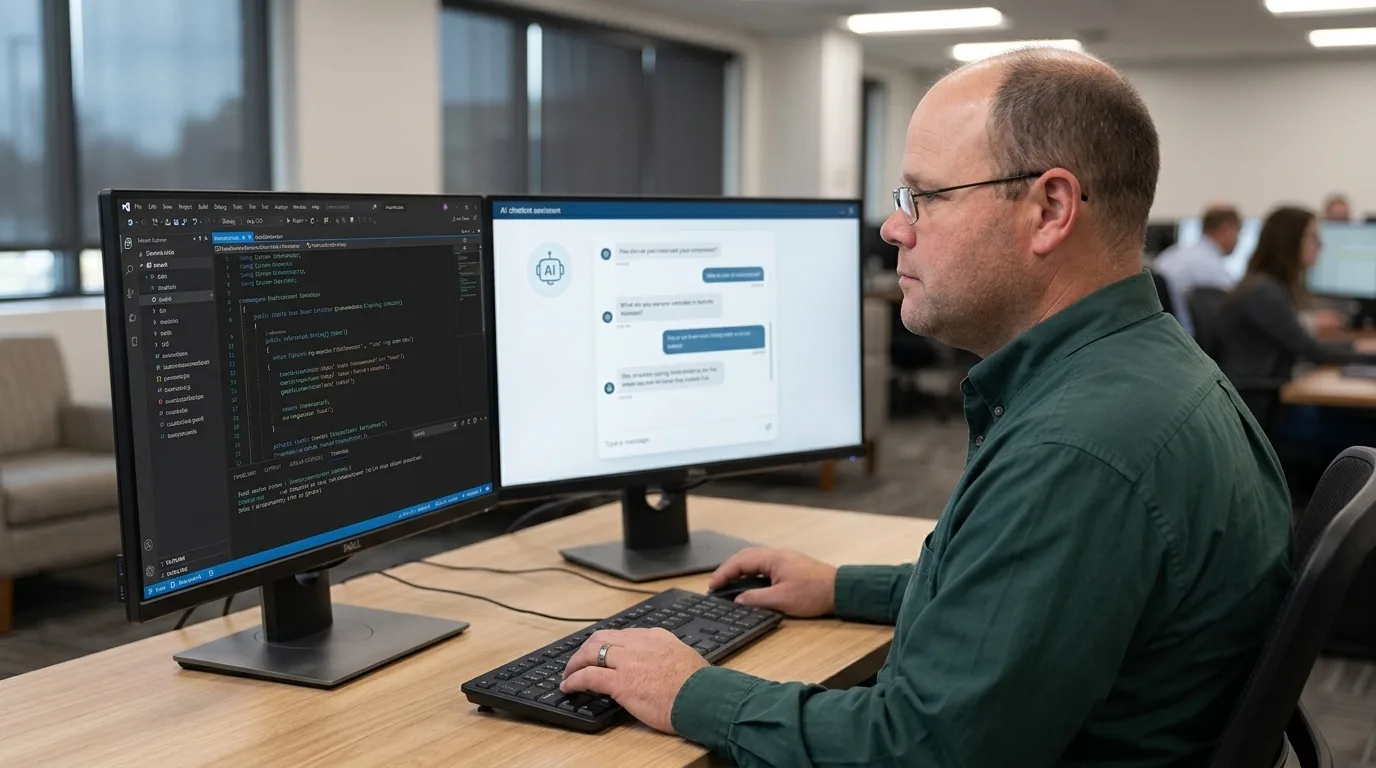
Five steps
-
Sign up and just talk to it
Create a free account at claude.ai. Ask it anything — a recipe, an email, a question about your computer. Get comfortable having a conversation.
-
Pick one real, small problem
Not "build me an app." Think "a script that renames my photos by date" or "a sheet that tracks my bills." Small wins build confidence fast.
-
Describe it like you'd explain it to a coworker
Plain English is fine. Say what it should do, who uses it, and what "done" looks like. Tell it you're a beginner — it'll explain things at your level.
-
Test everything — this is your superpower
Run it, try to break it, and paste any error message straight back in. You don't need to understand the error. You just need to report it.
-
Grow from there
Once you're comfortable, try the desktop app, which can work with files on your computer. Each project teaches you a little more.
Things I wish I'd known
Be specific
"Make it better" gets you a guess. "Make the button bigger and green" gets you exactly that.
One thing at a time
Ask for one change, test it, then ask for the next. Big piles of changes are hard to untangle.
Save your progress
Keep a copy that works before trying something new, so you can always go back.
Ask "why?"
When something works, ask why. That's how you actually learn along the way.
It's not always right
AI makes mistakes. Testing catches them — which is why step 4 matters most.
Age is just a number
I started at 57 with no coding background. Your experience in your own field is the real advantage.
Ready? Go build something.
Want more on writing good requests? See Anthropic's prompting guide.